
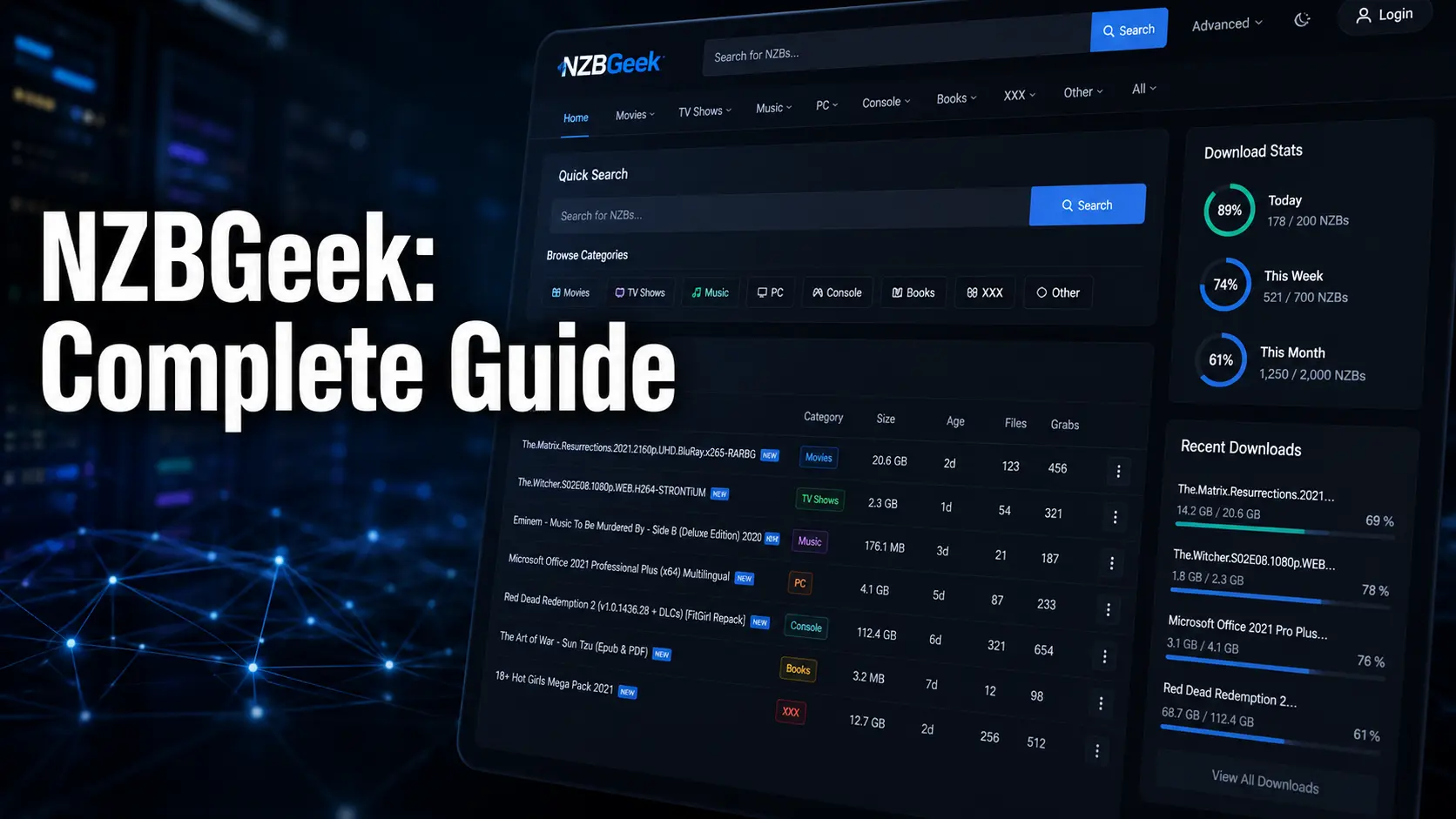
If you’ve spent any time exploring Usenet, you’ve almost certainly come across NZBGeek. It’s one of the most widely used NZB indexers on the internet, and for good reason. Since launching in 2012, it has quietly built a reputation for accuracy, reliability, and community-driven quality control that most competitors simply can’t match.
Whether you’re brand new to Usenet or an experienced user who’s tired of broken downloads and poor search results, NZBGeek offers a smarter way to find and access content. This guide covers everything you need to know — from how it works and what it costs, to how you can set it up and get the most out of every search.
What Is NZBGeek and How Does It Work
NZBGeek is a Usenet NZB indexer, which means it doesn’t store or host content itself. Instead, it scans Usenet newsgroups continuously, identifies available files, and organizes them into a searchable database.
When you find something you want, NZBGeek gives you an NZB file — think of it as a detailed map that tells your Usenet download client exactly where to find the pieces of that file across Usenet servers. You then open that NZB file in a client like SABnzbd or NZBGet, and the actual download begins.
NZBGeek handles the discovery layer, while a separate Usenet provider handles the actual data transfer. The two work together, and neither alone is enough to complete the process.
The GeekSeek Search Engine Explained
One of NZBGeek’s standout features is its proprietary search engine, commonly called GeekSeek. It scans Usenet groups every 10 minutes, which means new content typically appears in the index within about 11 minutes of being posted.
That’s impressively fast compared to many indexers that update far less frequently. GeekSeek allows you to filter results by file size, age, category, resolution, and more — making it far easier to find exactly what you’re after without scrolling through irrelevant listings.
Unlike purely automated indexers that can create duplicate entries or miss content entirely, NZBGeek also incorporates human moderation. Members and staff review submissions regularly, which keeps index quality noticeably higher than platforms relying on automation alone.
NZBGeek Membership Plans and Pricing
NZBGeek offers a free membership tier that gives new users basic access to search and a limited number of NZB downloads per day. This is genuinely useful for testing the platform before committing to anything paid.
For heavier users, the standard paid membership unlocks more API hits, higher download limits, and faster response times. The premium tier — called VIG (Very Important Geek) — goes further, offering priority support, increased API calls, and faster search results.
Pricing is kept affordable, often around $1 per month for standard access depending on the plan you choose. Some users have also reported lifetime membership options becoming available periodically, which can be excellent value for those who plan to use the platform long-term and want to avoid recurring billing.
Setting Up NZBGeek for the First Time
Getting started with NZBGeek is straightforward, even if you’ve never used a Usenet indexer before. You begin by registering an account at the NZBGeek website — registration has historically been open, unlike many invite-only competitors. Once logged in, navigate to your account settings and generate an API key.
This key is what allows your automation tools and download clients to communicate with NZBGeek. Next, install a Usenet client such as SABnzbd or NZBGet, and a Usenet service provider account through a separate company.
Enter your API key into your chosen automation tool, configure your categories, and you’re ready to start searching. The whole setup process takes most new users under 30 minutes to complete from registration to first download.
NZBGeek Integration With Automation Tools
Where NZBGeek truly shines is in automation. The platform integrates cleanly with popular tools including Sonarr, Radarr, Lidarr, and Prowlarr — the backbone of most modern media automation setups. Once connected via your API key, these tools can query NZBGeek automatically whenever a new episode, film, or album becomes available.
Instead of manually searching for content, your system handles discovery and downloading on its own.NZBGeek’s API is stable and well-documented, which makes configuration relatively painless compared to some other indexers that require workarounds.
For users managing large media libraries, this automation capability alone makes NZBGeek worth using. It removes the repetitive manual work and lets the system handle the heavy lifting while you focus on actually enjoying your content.
NZBGeek Community and Content Quality
Unlike automated indexers that simply scrape and catalog everything indiscriminately, NZBGeek benefits from an active community of contributors and moderators. Users can flag broken or inaccurate entries, and moderators are available seven days a week to review and correct issues.
This community oversight means the index stays cleaner and more accurate over time. The platform hosts content across a wide range of categories including movies, TV shows, software, eBooks, music, and more. With over 500,000 NZBs indexed and growing, the database is large enough to satisfy most users.
New members also benefit from detailed guides, FAQs, and active forum threads that help them navigate the Usenet ecosystem without feeling overwhelmed by technical jargon or unfamiliar terminology.
How NZBGeek Compares to Other Indexers
There are several well-known NZBGeek alternatives worth knowing about. NZBPlanet offers comparable reliability and is often recommended as a secondary indexer. DrunkenSlug is invite-only but highly regarded for its retention of older and rare content that NZBGeek might not always carry.
NZBFinder is another strong option particularly for automation-heavy users who need consistent API reliability. Binsearch provides free manual search but lacks automation entirely.
What separates NZBGeek from most competitors is its combination of open registration, community moderation, affordable pricing, and deep automation support. Many experienced Usenet users run NZBGeek as their primary indexer and pair it with one or two others to maximize coverage and improve overall download success rates.
Common Mistakes New NZBGeek Users Make
A few avoidable errors trip up new users fairly consistently. The most common is skipping the Usenet provider setup — NZBGeek provides NZB files, but without a separate Usenet provider, those files are useless since there’s nothing to actually download from.
Another mistake is ignoring API limits. Free accounts have capped API calls per day, and exceeding them will temporarily block your automation tools from querying the index. Some users also forget to configure their download client’s category mappings correctly, which leads to files landing in the wrong folders.
Finally, many new users underestimate the value of enabling moderation-flagged results — turning on community feedback filters noticeably reduces failed downloads and corrupted files from the search results you see.
Pro Tips for Getting the Most Out of NZBGeek
Experienced users consistently recommend a few strategies to squeeze the most value out of the platform. First, always use NZBGeek as part of a multi-indexer stack rather than relying on it alone.
Pairing it with one or two complementary indexers — such as nzb.life or NZBFinder — significantly improves your overall hit rate for both new releases and older content. Second, upgrade to at least the standard paid tier if you use automation tools, since free API limits can bottleneck heavy workflows quickly.
Third, configure Prowlarr as your indexer manager rather than adding NZBGeek directly into individual apps — this centralizes your API key management and makes updates far easier. Fourth, monitor your NZBGeek account’s grab history periodically to identify gaps and adjust your category settings accordingly.
Conclusion: Is NZBGeek Worth Using in 2025
NZBGeek has earned its place as one of the most dependable Usenet indexers available today. Its combination of fast indexing through GeekSeek, strong community moderation, open registration, and excellent automation tool support makes it a natural fit for both newcomers and experienced users building serious media setups.
Pricing is reasonable, the free tier is genuinely useful for evaluation, and the VIG membership offers real value for heavy users. While no single indexer covers everything perfectly, NZBGeek comes about as close as any platform currently does.
If you’re building or refining your Usenet workflow in 2025, making NZBGeek your primary indexer is a decision you’re unlikely to regret. Pair it well, configure it correctly, and it will deliver.
Frequently Asked Questions About NZBGeek
Is NZBGeek free to use?
Yes, NZBGeek offers a free membership tier with basic search access and limited daily NZB downloads. It’s a great way to evaluate the platform before upgrading to a paid plan.
What is a VIG membership on NZBGeek?
VIG stands for Very Important Geek. It’s the premium membership tier offering increased API hits, faster search speeds, and priority customer support for power users.
Does NZBGeek work with Sonarr and Radarr?
Absolutely. NZBGeek integrates seamlessly with Sonarr, Radarr, Lidarr, and Prowlarr via its API, making it a strong choice for automated media library management.
How often does NZBGeek update its index?
NZBGeek’s GeekSeek engine scans Usenet every 10 minutes, meaning most new content appears in the index within approximately 11 minutes of being posted.
Do I need a Usenet provider alongside NZBGeek?
Yes. NZBGeek is an indexer only — it finds content and generates NZB files. You need a separate Usenet service provider account to actually download the content.
Is NZBGeek open for registration?
Historically yes, NZBGeek has maintained open registration, which is a notable advantage over many invite-only competitors like DrunkenSlug.
What categories does NZBGeek cover?
NZBGeek indexes movies, TV shows, music, software, eBooks, and more, with over 500,000 NZBs in its database and continuous additions every day.
Can I use NZBGeek without automation tools?
Yes, you can search and download NZB files manually through the NZBGeek website. However, automation tools dramatically improve the experience for regular users.
What is the best NZBGeek alternative?
NZBPlanet and NZBFinder are the most commonly recommended alternatives. Many users run them alongside NZBGeek rather than as replacements for better overall coverage.
Is NZBGeek safe and trustworthy?
NZBGeek has been operating since 2012 and is widely regarded as one of the more established and reputable NZB indexers in the Usenet community.